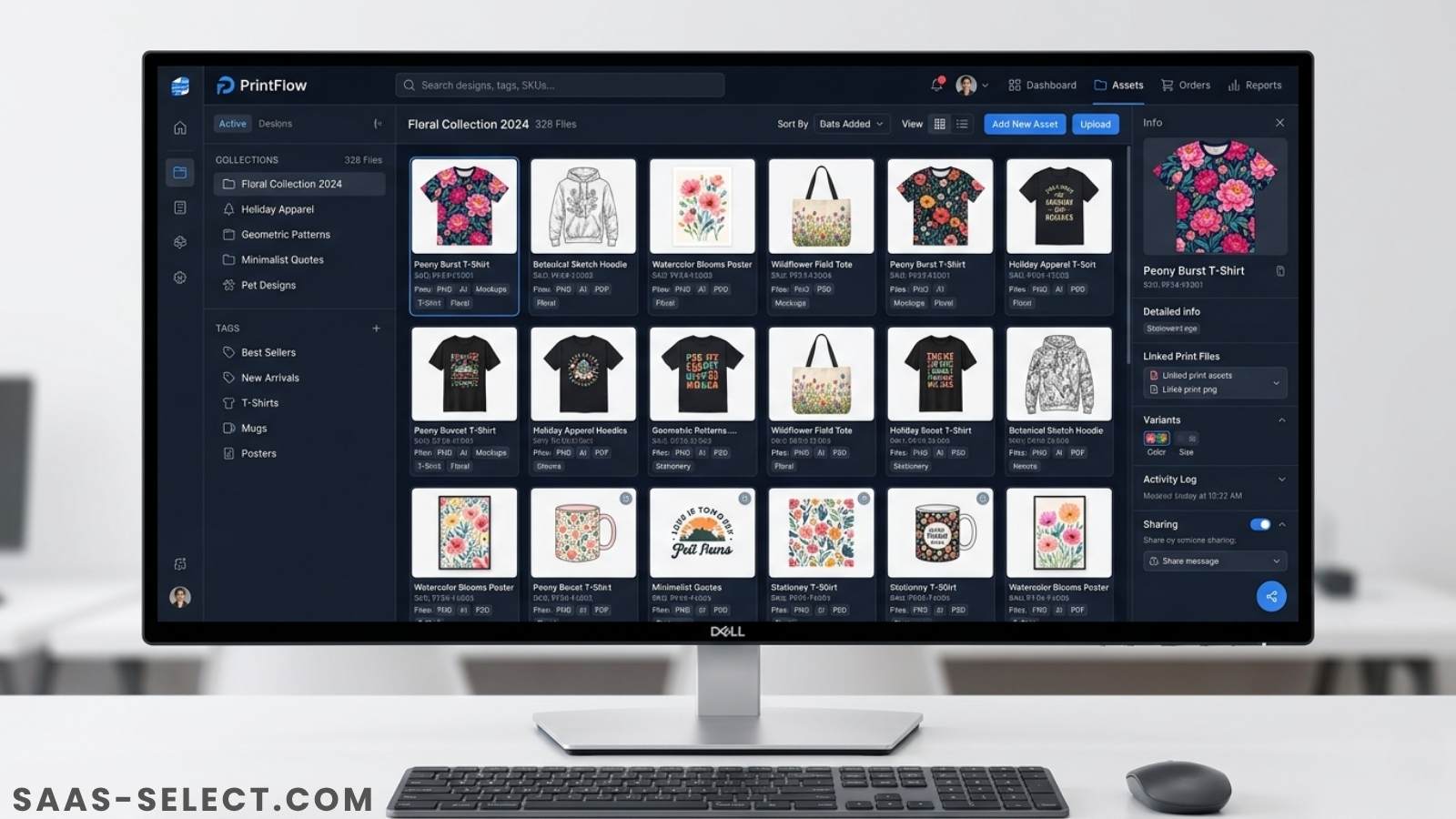
Organize & Tag POD Digital Assets
How to Organize and Tag Thousands of Digital Assets for POD
If you run a print-on-demand store or generate AI art, your design library is your core business asset. Figuring out how to organize and tag thousands of digital assets for POD breaks many creators. A simple folder of transparent PNGs quickly devolves into a chaotic mess of duplicate files, lost mockups, and forgotten vectors.
When pushing products to Etsy, Redbubble, or Amazon Merch, speed drives revenue. Every minute spent clicking through nested folders looking for a specific vintage woodcut graphic is a minute you aren’t uploading.
Why Folders Fail POD Sellers
Most creators start with standard folders. You build a “Halloween” folder and drop designs inside. As your catalog scales, this rigid structure becomes an operational nightmare.
The 500-Design Scenario
At 500 designs, you rely on memory. But friction builds. When you create a “Spooky Black Cat” graphic, does it go in “Halloween” or “Cats”? Putting it in both duplicates heavy PNGs and burns storage.
The 5,000-Design Scenario
At 5,000 designs, memory fails completely. Hundreds of sub-folders bury your older assets. Finding a specific gothic background requires clicking through endless directories. Because you can’t find older files, you waste time recreating them. This is why scaling sellers look for the (https://saas-select.com/blog/3-best-bulk-mockup-generators-for-pod-sellers/).
The AI Creator Dilemma
For AI art creators using Midjourney or DALL-E, file volume explodes. Between initial generations, upscaled versions, and final background-removed PNGs, managing variations without a tag system is impossible.
Stop Making These Mistakes
Before adopting software, kill these destructive habits:
- Poor file naming:
final_design_2.pngis unsearchable. - Duplicate assets: Saving the same mockup background across ten product folders wastes gigabytes.
- Scattered storage: Splitting assets across local drives, Google Drive, and external SSDs guarantees lost work.
A Scalable Asset Workflow
Software won’t fix a broken process. You need a workflow built for high-volume uploads.
1. Centralize an Inbox Folder
Never save files directly into your main archive. Create an “Inbox” folder. Dump new graphics, AI generations, and vectors here. Process this inbox weekly by tagging and migrating files into your permanent database.
2. Build a Flat, Tag-Based Architecture
Folders limit files to one location. Tags allow infinite categorization. Use a flat folder structure combined with rich metadata. Keep platform constraints in mind—for instance, Redbubble enforces a strict 15-tag maximum to avoid spam penalties. Your internal tags should map directly to the high-converting metadata you plan to deploy.
3. Separate Raw Files from Print Files
Keep massive .PSD or .AI working files completely isolated from your final transparent 4500x5400 PNGs. When batch uploading, you only want production-ready print files. If you use automation, this separation is non-negotiable. You also need distinct folders for layout specifics—like ensuring chest graphics are perfectly centered above the pocket and never overlap onto sleeves during batch processing with the (https://saas-select.com/blog/3-best-bulk-mockup-generators-for-pod-sellers/).
Top Digital Asset Management Tools
When your catalog outgrows standard folders, you need dedicated Digital Asset Management (DAM) software. Here is how the top platforms stack up.
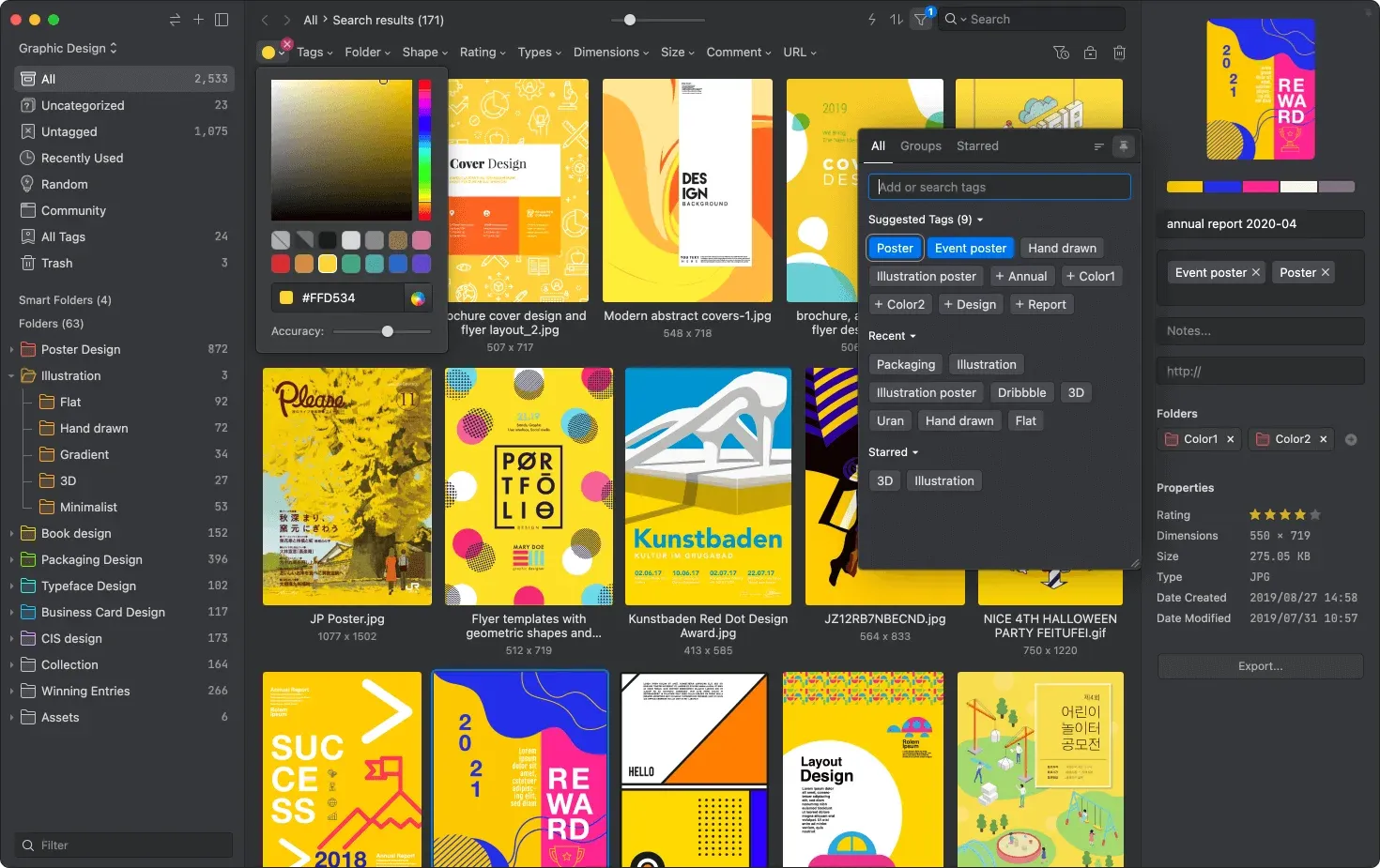
Eagle.cool: Best for Solopreneurs
Eagle is a desktop app built strictly for visual asset management.
Strengths:
Eagle delivers instant previews for over 70 formats. You can view .AI files and heavy PNGs without launching Adobe software. Search by exact color hex codes, shapes, or custom tags. It runs locally, making it incredibly fast. The $34.95 one-time fee is unbeatable.
Weaknesses: It is tied to your desktop. Syncing across multiple machines requires routing your Eagle library through Google Drive or Dropbox.
Ideal User: Solo POD sellers and AI artists targeting the US and UK who need visual-first sorting without monthly subscriptions.
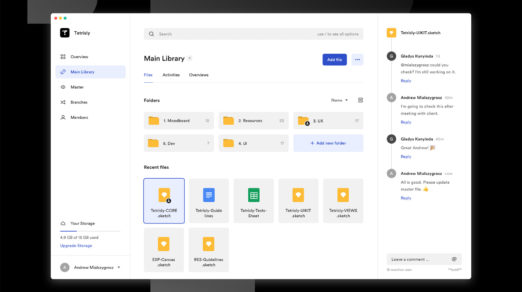
Air.inc: The Agency Powerhouse
Air is a cloud-based creative operations platform designed to replace shared drives for marketing teams.
Strengths: Air uses AI to auto-tag images and recognize objects. Its visual boards let teams move assets through approval stages seamlessly.
Weaknesses: Pricing locks out solo creators. At $600 per month for the Pro plan, it makes no financial sense for an independent seller.
Ideal User: High-volume print-on-demand agencies managing multiple designers and strict brand guidelines.
Notion: The Operational Hub
Notion lets you build custom databases to manage your entire operation.
Strengths: Notion links your digital assets directly to your business logic. You can tie a design file to its SEO keywords, upload status, and niche category. This makes it a perfect operational companion, similar to workflows we covered in our MyDesigns Review.
Weaknesses: Notion is not a true DAM. Dropping hundreds of high-res PNGs into a Notion gallery tanks performance. It handles text brilliantly but struggles with visual browsing.
Ideal User: Sellers who prioritize tracking upload statuses and keywords over visual asset browsing.
When to Skip DAM Software
Not every store needs complex software. Stick to basic folders if:
- You upload sporadically: Under 200 designs? A strict local folder hierarchy is enough.
- You use all-in-one POD platforms: If you design inside browser tools and never download raw files, skip the DAM.
- You run on zero budget: Rely heavily on rigid naming conventions (e.g.,
Niche_Style_Date.png) and your OS search bar.
FAQ
What is the best digital asset management for POD?
For solo sellers, Eagle.cool dominates due to its visual tagging, local speed, and one-time pricing. Agencies should look at Air.inc.
How do I organize AI-generated art?
Never save every variation. Delete flawed generations immediately. Keep only the upscaled, background-removed final PNGs. Tag them by subject and color so they remain searchable.
Should I use tags or folders?
Tags scale better. Folders trap files in one location, causing duplicates. Tags allow a single file to exist across multiple categories without taking up extra hard drive space.
How do I manage massive PNGs without running out of space?
Store your core design library on an external SSD. If using Eagle, host the library file on the SSD to keep your internal drive clear while maintaining fast preview speeds.