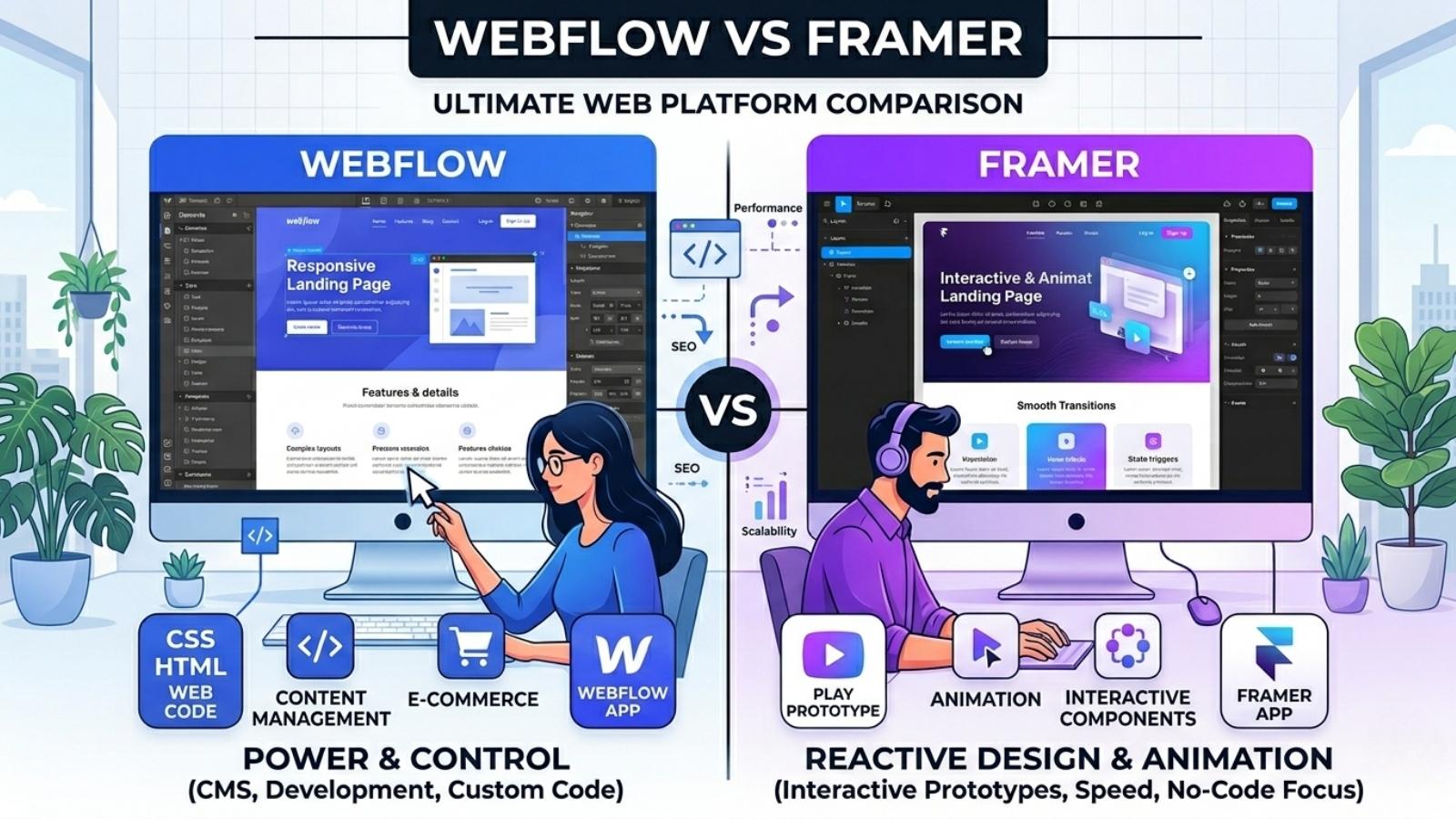
Webflow vs Framer (2026): The Ultimate Guide for Agencies & Startups
The visual development landscape has definitively matured by 2026, transitioning from simple site builders to enterprise-grade web engineering platforms. Teams no longer ask if they should use no-code, but rather which infrastructure will scale their digital presence without technical debt.
At the core of this decision is the Webflow vs Framer debate. Both platforms have fundamentally disrupted traditional front-end development, but they operate on entirely different architectural philosophies and target different primary users.
This comprehensive guide dissects both platforms based on technical capability, scalability, and return on investment. By analyzing real-world use cases for SaaS startups and digital agencies, we will establish exactly which platform aligns with your business objectives.
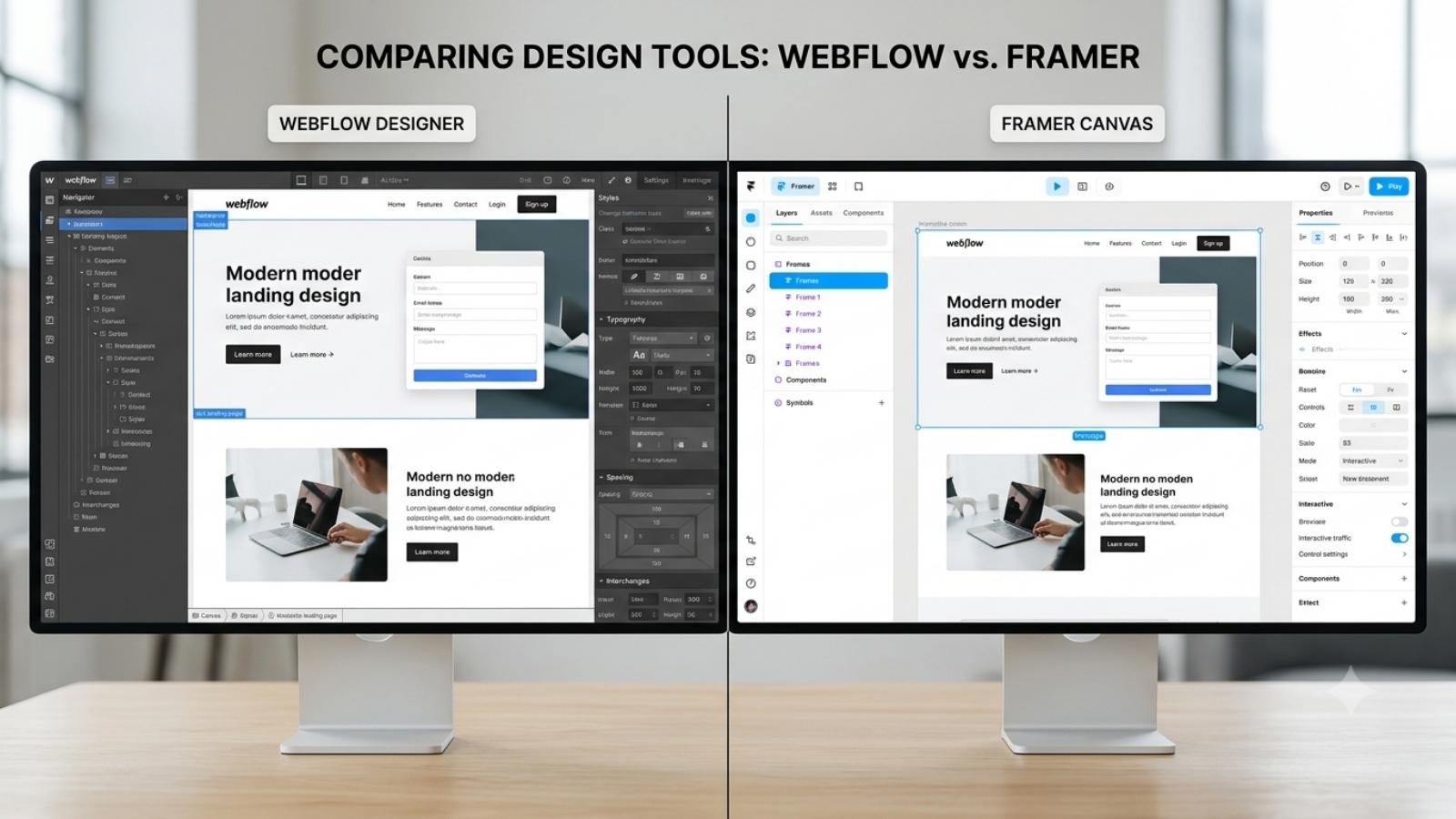
Webflow Overview: The Powerhouse of Visual Development
Webflow operates as a visual abstraction of code. It does not hide HTML, CSS, and JavaScript; it translates them into a graphical interface. When you build in Webflow, you are visually writing clean, semantic code adhering to the rigid box model that governs the modern web.
This architectural choice makes Webflow the defacto standard for complex, highly customized marketing sites. It allows front-end developers and technical marketers to build scalable architectures using CSS grid, flexbox, and global class systems without touching a command-line interface.
However, this adherence to real web standards means the platform requires a foundational understanding of web development logic. You cannot simply drag an element anywhere on the screen; you must structure it within sections, containers, and divs.
- Pros: Total control over CSS and HTML structure, enterprise-grade CMS with relational databases, unmatched technical SEO capabilities, and deeply granular interaction triggers.
- Cons: Extremely steep learning curve for pure graphic designers, complex multi-class management, and higher total cost of ownership for multi-site hosting.
Framer Overview: The Designer’s Dream for Speed
Framer approaches web development from the perspective of user interface design. Built entirely on React, it provides a freeform canvas that feels virtually identical to Figma. If you can design a layout in Figma using auto-layout, you can publish a live, responsive website in Framer within hours.
This platform prioritizes deployment speed and fluid micro-interactions over structural web conventions. Framer abstracts the underlying code completely, allowing designers to drag, drop, and visually position elements without worrying about nested div structures or CSS class inheritance.
For SaaS startups launching landing pages or freelancers executing rapid iterations, Framer eliminates the developer handoff completely. The platform generates React code in the background, outputting heavily optimized, lightning-fast static sites.
- Pros: Near-zero learning curve for UI/UX designers, blazing fast deployment speeds, buttery smooth native React animations, and highly intuitive component variants.
- Cons: Flat and simplistic CMS lacking relational depth, heavily reliant on third-party embeds for logic, and code overrides require actual React knowledge.
Webflow vs Framer: Head-to-Head Feature Comparison
Ease of Use & Learning Curve
Webflow demands that users respect the laws of front-end development. You must understand padding, margins, relative versus absolute positioning, and flexbox behavior. The interface is densely packed with styling panels, class selectors, and structural navigators. For a beginner, the blank Webflow canvas is highly intimidating and requires dedicated study of the “Webflow University” to master.
Conversely, Framer operates on a free canvas. Elements can be placed arbitrarily, and responsive design is handled via “Stacks” (which perfectly mirror Figma’s Auto Layout). You design across desktop, tablet, and mobile breakpoints simultaneously on the same screen.
For a design agency, onboarding a junior designer to Framer takes days, whereas getting them proficient in Webflow takes months. However, the Webflow learning curve pays dividends in strict code cleanliness and predictable scaling for massive sites.
Animations & Interactions
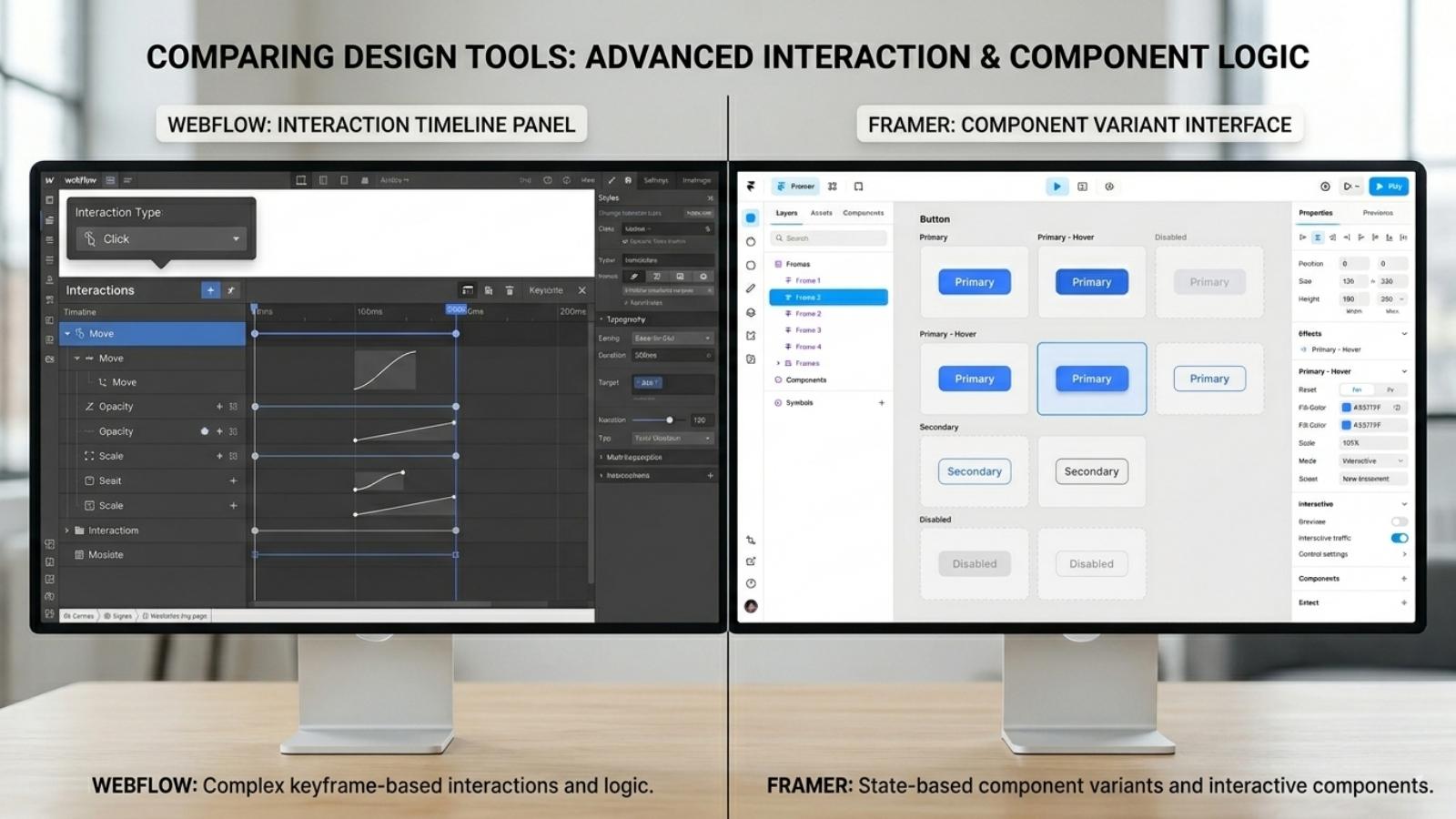
Interactive web experiences drive user engagement, and both tools excel here, albeit differently. Webflow utilizes a timeline-based interaction engine linked to JavaScript events. You can trigger complex animations based on scroll depth, mouse movement, or click states. It offers granular control over every CSS property during an animation, making it ideal for highly bespoke, award-winning agency portfolios.
Framer leverages the powerful Framer Motion React library. Animations here feel inherently more fluid and require zero configuration to look professional. Adding scroll effects, 3D transforms, or parallax takes literally two clicks.
Furthermore, Framer uses “Variants” for components. You design a default state, a hover state, and a clicked state, and Framer automatically handles the seamless interpolation between them. It is faster and arguably more modern for standard SaaS UI interactions.
Content Management System (CMS) & SEO
When analyzing the Webflow vs Framer battleground, the Content Management System is where the divergence is most aggressive. Webflow features a relational database CMS. You can create an ‘Authors’ collection, link it to a ‘Blog Posts’ collection, and filter those by a ‘Categories’ collection.
This relational power allows teams to build complex programmatic SEO pages, real estate directories, and massive content hubs with dynamic filtering. Webflow also provides absolute control over meta tags, canonical URLs, and schema markup natively.
Framer offers a functional but highly minimalist CMS. It is flat, meaning you cannot easily link different databases together natively without complex workarounds. It is perfectly adequate for a standard startup blog or a simple changelog.
However, if your business model relies on scaling thousands of programmatic SEO pages or managing a heavily interlinked content architecture, Framer will break under the pressure, while Webflow will comfortably scale.
E-commerce Capabilities
Neither platform replaces Shopify for massive physical inventory, but both offer transactional capabilities. Webflow features a native e-commerce engine that allows you to design completely custom checkout flows, product pages, and carts. It supports digital and physical goods, though it struggles with complex multi-currency tax routing natively.
For high-volume sales, Webflow pairs flawlessly with specialized tools like Monto or a headless Shopify integration. The structural integrity of Webflow makes these integrations seamless and reliable.
Framer completely lacks native e-commerce infrastructure. To sell anything, you must embed third-party checkout widgets from platforms like LemonSqueezy, Gumroad, or Stripe.
While embedding a Stripe payment link in Framer takes thirty seconds and works perfectly for selling a single digital course or a SaaS subscription, it cannot handle a traditional multi-product cart experience.
Pricing Breakdown: Which Offers Better ROI?
Understanding the total cost of ownership is critical for agency margins and startup runways. Both platforms utilize a tiered model, separating “Site plans” (hosting per website) from “Workspace plans” (collaboration seats).
| Feature / Tier | Webflow Basic | Webflow CMS | Framer Mini | Framer Pro |
|---|---|---|---|---|
| Monthly Cost (Billed Annually) | $14 / month | $23 / month | $5 / month | $30 / month |
| Best For | Static landing pages | Scalable blogs & directories | Personal sites (1 page) | Large SaaS marketing sites |
| CMS Limits | No CMS included | 2,000 items | No CMS included | 10,000 items |
| Traffic Limits | 250k visitors / month | 250k visitors / month | 1k visitors / month | 200k visitors / month |
| Bandwidth | 50 GB | 50 GB | 1 GB | 10 GB |
From an ROI perspective, a solo freelance designer building simple, high-converting landing pages will achieve much higher profitability using Framer. The speed of execution allows them to take on more clients per month, and the lower hosting costs appeal to small business clients.
For a B2B agency deploying massive, highly structured corporate sites, Webflow offers the better enterprise ROI. The ability to safely hand over a robust CMS Editor to the client’s marketing team—ensuring they cannot break the site’s design—reduces ongoing maintenance tickets and justifies a premium retainer.
Final Verdict: Which Should You Choose in 2026?
The Webflow vs Framer decision ultimately comes down to your operational background and the specific technical requirements of your project. Neither platform is objectively superior; they are simply optimized for different professional workflows.
-
Choose Webflow if…
-
You are building a complex site requiring a relational database CMS (like a directory, a massive content hub, or programmatic SEO architectures).
-
You need absolute, granular control over the CSS box model, class inheritance, and custom code integrations for a highly structured, enterprise-grade build.
-
You are an agency that requires a bulletproof “Editor Mode” to hand off to non-technical client marketing teams.
-
Choose Framer if…
-
You are a UI/UX designer deeply familiar with Figma who wants to bypass the developer handoff and ship live websites immediately.
-
Your project is a SaaS landing page, a portfolio, or a marketing site that prioritizes buttery smooth, modern React animations and visual impact over deep architectural complexity.
-
You need to deploy and iterate on a highly polished, responsive web presence in days, not weeks.